
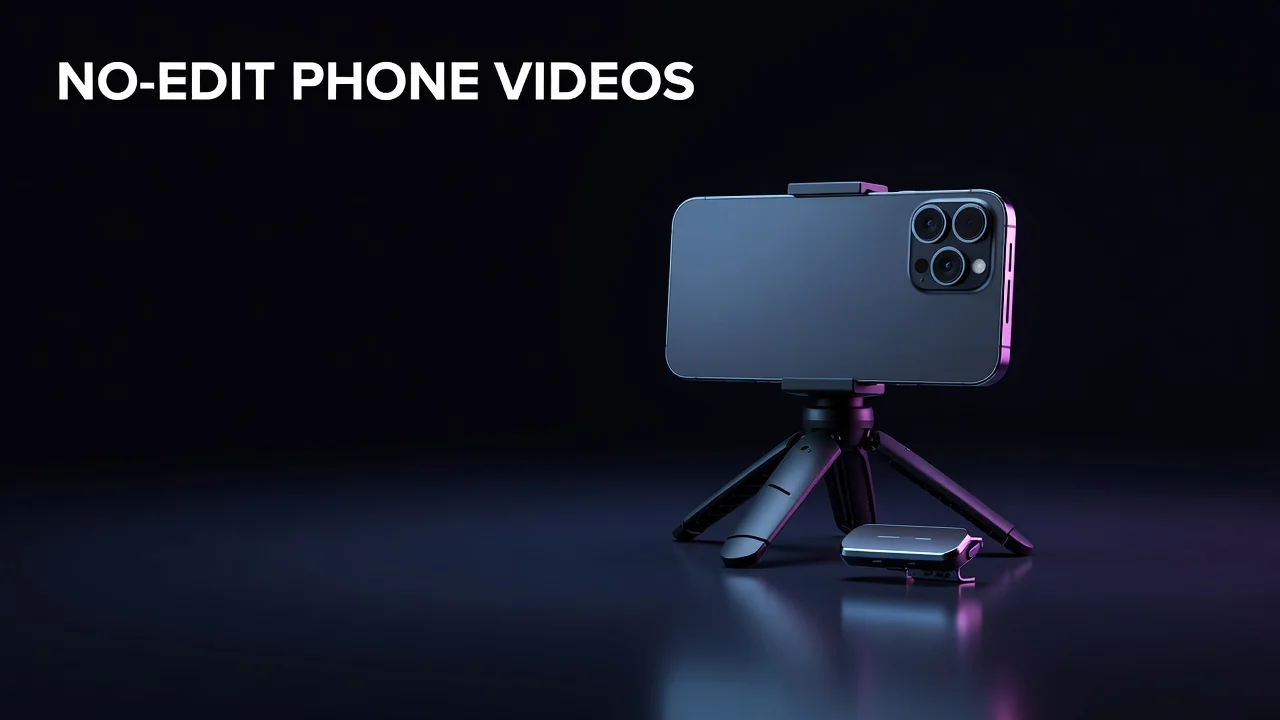
How to Make YouTube Videos on Your Phone Without Editing Skills
Key Takeaways
- A modern smartphone shooting 1080p or 4K at 30fps already exceeds YouTube's recommended upload specs, so equipment is rarely the reason a video underperforms.
- The fastest no-editing workflow is a scripted one-take recording: plan the structure so tightly that there is nothing left to cut out.
- Audio, not resolution, is the single biggest quality lever — a $20 lapel mic improves perceived production value more than any camera upgrade.
- Phone-filmed channels compete on hook strength, pacing, and packaging, all of which are measurable in YouTube Studio rather than dependent on gear.
How to film YouTube videos with your phone in one take, with no editing software required
Your Phone Is Already Enough Camera
You can make publish-ready YouTube videos on your phone without any editing skills by scripting the video as a single continuous take, filming it horizontally at 1080p or 4K with the rear camera, capturing clean audio with a cheap lapel or wireless mic, and uploading the raw file straight from your phone. The editing skill gap disappears when the structure of the video is decided before you press record — there is nothing to cut because nothing was wasted. Most creators overestimate how much the camera matters and underestimate how much the plan matters. YouTube's own recommended upload settings top out at specifications that a five-year-old flagship phone already meets comfortably, and the platform re-encodes every upload anyway. Meanwhile, the things that actually decide whether a video gets recommended — click-through rate on the thumbnail, how many viewers survive the first 30 seconds, average percentage viewed — have nothing to do with sensor size. Interestingly, the constraint is usually psychological. Creators delay their first upload waiting for gear, then spend months learning software they never needed, when the same time invested in scripting and hook-testing would have produced a dozen published videos and real audience data. This guide covers the practical mechanics: how to set your phone up once so every recording looks consistent, how to write a one-take script that survives without cuts, what to do about audio and lighting on a near-zero budget, and how to turn your first handful of phone-filmed uploads into a data feedback loop that tells you what to film next. It sits inside the broader question of YouTube video production without editing skills, and it's the cheapest possible starting point.
What Phone Settings Should You Film With?
Set your phone once and stop thinking about it. Film horizontally (landscape) for long-form, at 1080p or 4K, 30 frames per second — 30fps matches how most YouTube viewers experience content and produces smaller files than 60fps, which you only need for motion-heavy footage. Use the rear camera, not the selfie camera: on virtually every phone the rear sensor is significantly larger and sharper, and the front camera exists for convenience rather than quality. Lock exposure and focus by tapping and holding on your face before you start, which prevents the distracting mid-sentence brightness shifts that scream amateur. Turn on grid lines and place your eyes on the upper third line. YouTube's recommended upload encoding settings call for standard frame rates and progressive scan, both of which are phone defaults, and since the platform transcodes every upload into its own formats, filming at 4K mainly buys you the option to crop or reframe later — not visibly better playback. Notably, roughly 70% of YouTube watch time happens on mobile devices, meaning your video is most often judged on a screen where the difference between a phone camera and a cinema camera is close to invisible, while the difference between clear and muddy audio is glaring.
Recommended phone recording settings by video format
| Setting | Long-form video | Shorts | Why it matters |
|---|---|---|---|
| Orientation | Horizontal (16:9) | Vertical (9:16) | Wrong orientation forces black bars or heavy cropping |
| Resolution | 1080p or 4K | 1080p | Both exceed what most viewers can perceive on mobile |
| Frame rate | 30fps | 30fps | Smaller files, faster uploads, no visible downside for talking-head content |
| Camera | Rear camera | Rear camera | Larger sensor, sharper detail, better low-light performance |
| Exposure / focus | Tap and hold to lock | Tap and hold to lock | Prevents mid-take brightness and focus shifts |
| Audio source | External lapel or wireless mic | External or built-in at close range | Audio quality drives perceived production value more than video |
How Do You Film In One Take?
The no-editing workflow lives or dies on the script. A one-take video is not an unplanned video — it is a video planned so precisely that no cuts are required. Write it as a spoken outline with a hard 15-second hook, three to five clearly separated body beats, and a single closing line, then record it in segments only if your phone allows you to stop and restart the same file, or simply accept one small stumble rather than reshooting. YouTube's own Creator Academy has long emphasized that the opening seconds carry disproportionate weight, and platform-wide data reflects it: videos that lose more than half their audience in the first 30 seconds rarely earn sustained impressions from the browse and suggested surfaces, because the algorithm reads early abandonment as a satisfaction signal. Practically, this means your rehearsal time should be spent almost entirely on the hook. Say the first two sentences out loud eight or ten times before you press record. For the body, use physical cue cards or a large-text note taped beside the lens rather than reading from the phone screen, which drags your eyes off-axis and reads as shifty on camera. Established creators use a related trick worth borrowing: script the payoff first, then work backwards, so every beat visibly earns the next one.
Turning Phone Uploads Into Growth Data
Once you have five or six phone-filmed uploads, the gear conversation ends and the data conversation starts. Pull up your own retention curves and look for the pattern, not the outlier: if viewers consistently leave at the same relative moment — right after the hook, or the second the pace slows — that's a script problem you can fix in your next one-take recording for free. Group your uploads by topic and by length and compare average views per group. Most new channels discover within ten videos that one subtopic quietly outperforms the rest by a wide margin, and that their best-performing length is shorter than they assumed. This is exactly the analysis TubeAI's Dashboard automates through content buckets, length breakdowns, and per-video retention reads, so the feedback loop takes minutes instead of an afternoon in spreadsheets. Looking forward, phone-first production is only getting more viable: vertical and horizontal formats increasingly share the same discovery surfaces, and packaging — title and thumbnail — remains the dominant variable. Which means your camera is not the ceiling. Your hook and your thumbnail are.
The Camera Was Never the Bottleneck
Filming YouTube videos on a phone without editing skills comes down to three decisions made before you record: a tight script that needs no cuts, locked camera settings so every upload looks the same, and clean audio from a cheap external mic. Everything else — the tripod, the window light, the upload from the Studio app — is logistics you solve once and never think about again. Publish six videos this way and you will have something far more valuable than a better camera: real retention curves and real click-through data telling you which topic, hook, and length your audience actually responds to. For the wider view of building a full production system without touching editing software, see our pillar guide on YouTube video production without editing skills.
Frequently Asked Questions
Do you need a camera to start a YouTube channel?
No. A modern smartphone shooting 1080p or 4K at 30fps already meets or exceeds YouTube's recommended upload specifications, and YouTube re-encodes every upload regardless of the source camera. Spend the equivalent budget on an external microphone and a small tripod instead, since audio and stable framing affect perceived quality far more than sensor size.
How do you get good audio when filming YouTube videos on a phone?
Use a wired lapel mic or a small wireless mic clipped roughly a hand's width below your chin, and record in a soft-furnished room rather than a bare-walled one to reduce echo. If you have no external mic at all, keep the phone within about arm's length and turn off fans, air conditioning, and notifications before recording.
Should I film YouTube videos vertically or horizontally on my phone?
Film horizontally in 16:9 for long-form videos and vertically in 9:16 for Shorts — these are separate surfaces with separate viewer expectations. If you want to publish both from one recording, film horizontally with your subject centered so you can crop a vertical clip out of the same footage without losing the framing.